
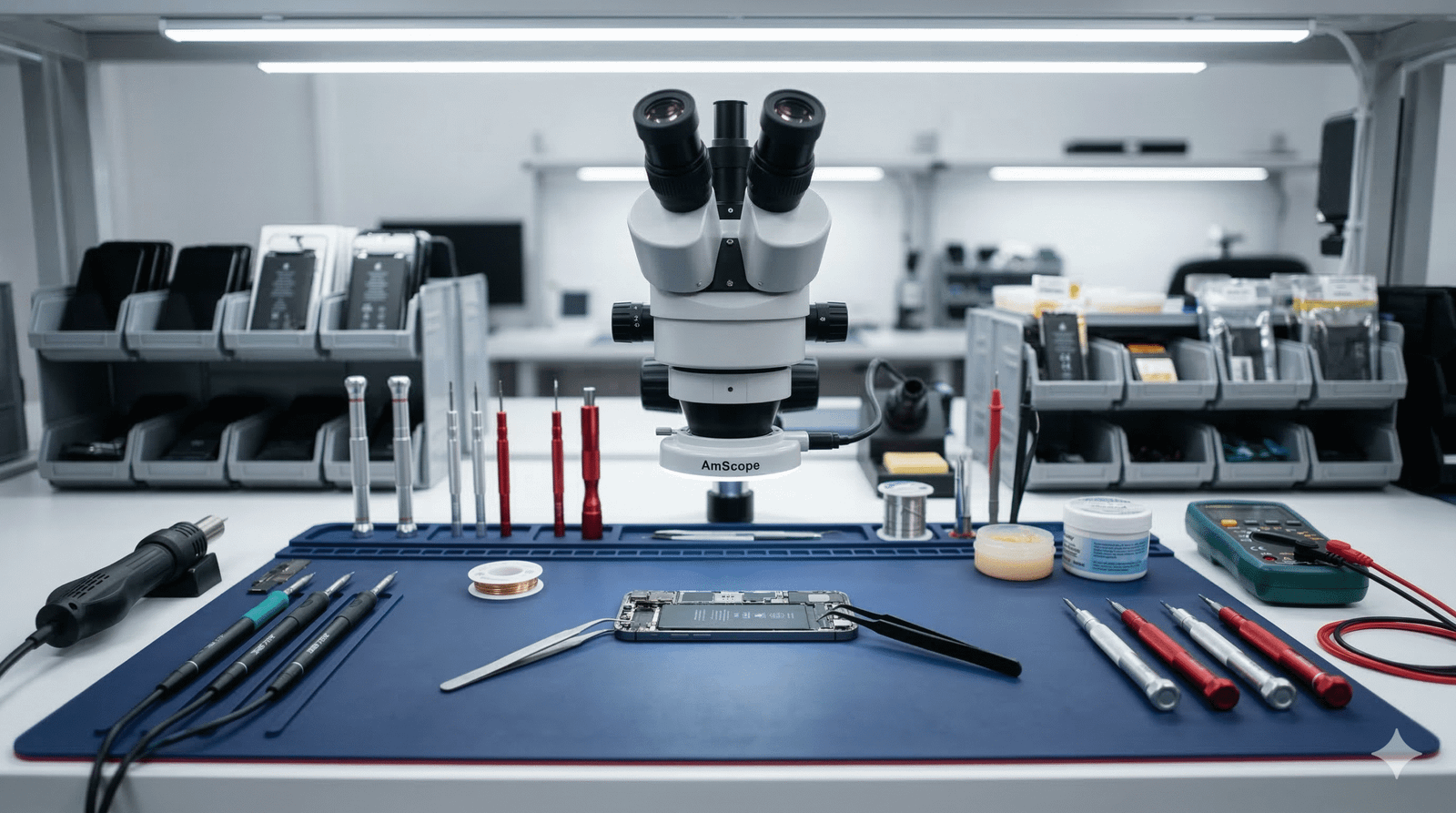
The PS5 is a powerful console in a big case, and it relies on a clever cooling system to stay quiet. When that system gets clogged with dust or the thermal material inside stops doing its job, you'll notice: the fan gets loud, games stutter or crash, and the console may shut itself off with a beep. Here's what's going on inside, what you can safely do at home, and when it's time for a professional service.
Signs your PS5 is running too hot
- The fan is loud all the time, even on menus or older games
- A warning that your PS5 is too hot, or it beeps and turns off mid-game
- The console feels very hot to the touch around the vents
- Games crash more often than they used to
- Dust visible in the vents at the front or back
How the PS5 keeps cool: liquid metal
Between the PS5's main processor and its large heatsink, Sony uses liquid metal instead of the thermal paste found in most consoles and PCs. Liquid metal is a metal alloy that stays liquid at room temperature and moves heat far better than paste. To keep it in place, the processor is surrounded by a foam seal.
It's a very effective design, and most consoles never have a problem. But on some consoles that are a few years old, especially ones that have run hot for long periods or been moved around a lot, the liquid metal can shift or spread unevenly across the chip. Parts of the processor then lose contact with the heatsink, temperatures climb, and the fan works harder until the console overheats or shuts down.
Liquid metal also conducts electricity. If it escapes its seal, it can short out tiny components around the processor. That's why this isn't something to open up and fix at home.
Dust: the most common cause by far
Before blaming the liquid metal, check for dust. Pet hair, carpet fluff, and household dust get pulled in by the fan and build up on the heatsink fins, choking the airflow. In most of the overheating consoles we see, a proper clean fixes the problem.
Safe maintenance you can do at home
- Turn the console off and unplug it before any cleaning.
- Clean the dust catchers. On the original PS5, remove the white side covers and you'll find two dust catcher holes near the fan. Sony recommends vacuuming them with a vacuum cleaner on a low setting.
- Vacuum the vents at the front and back from the outside. Avoid blasting compressed air straight into the fan, which can spin it too fast and push dust deeper inside.
- Give it room to breathe. Leave at least 10 cm around the console, don't put it in a closed cabinet, and keep it off carpet and rugs.
- Keep the system software updated. Sony has released updates that adjust how the fan behaves.
- Repeat every three to six months, or more often if you have pets or a dusty house.
Upright or flat? Sony supports both. Some technicians prefer laying the PS5 flat for the long term, but good airflow and a clean console make a much bigger difference than orientation.
What a professional PS5 service includes
If home cleaning hasn't helped, or the console is a few years old and running hot, a full service brings it back to like-new temperatures. At our Emu Plains workshop, a PS5 cooling service includes:
- Full teardown and deep clean of the fan, heatsink fins, and vents
- Inspection of the liquid metal and the foam seal around the processor
- Removing old liquid metal and applying fresh liquid metal with a new seal where needed
- Checking and replacing worn thermal pads on the memory and power components
- Fan check, then a long gaming test while we monitor temperatures and fan noise
While the console is open, we also check the HDMI port, since a loose port is the other common PS5 fault. Read our guide to PS5 and Xbox HDMI port repair.
Don't ignore overheating
Heat is the enemy of electronics. A console that regularly runs too hot puts stress on the processor, memory, and solder joints, and that can turn a simple clean into a motherboard repair. Catching it early is cheaper and keeps your PS5 going for years longer, which is better for your wallet and keeps another console out of landfill.
PS5 cleaning and repair in Emu Plains
Bring your PS5 to On The Spot Mobile Repair Centre, Shop 7, Lennox Village, Emu Plains. We service consoles for gamers from Penrith, Glenmore Park, St Marys, Kingswood, Blaxland, and Springwood. We'll confirm what your console needs and the price before any work starts, and if we can't fix it, you don't pay. Book online or call 0420 739 151.